
Seamless Video QR
Wedding Photography Integration
Connect physical prints with high-definition video memories. Export high-resolution vector QR badges ready for printing on albums, cards, and framed wall art.
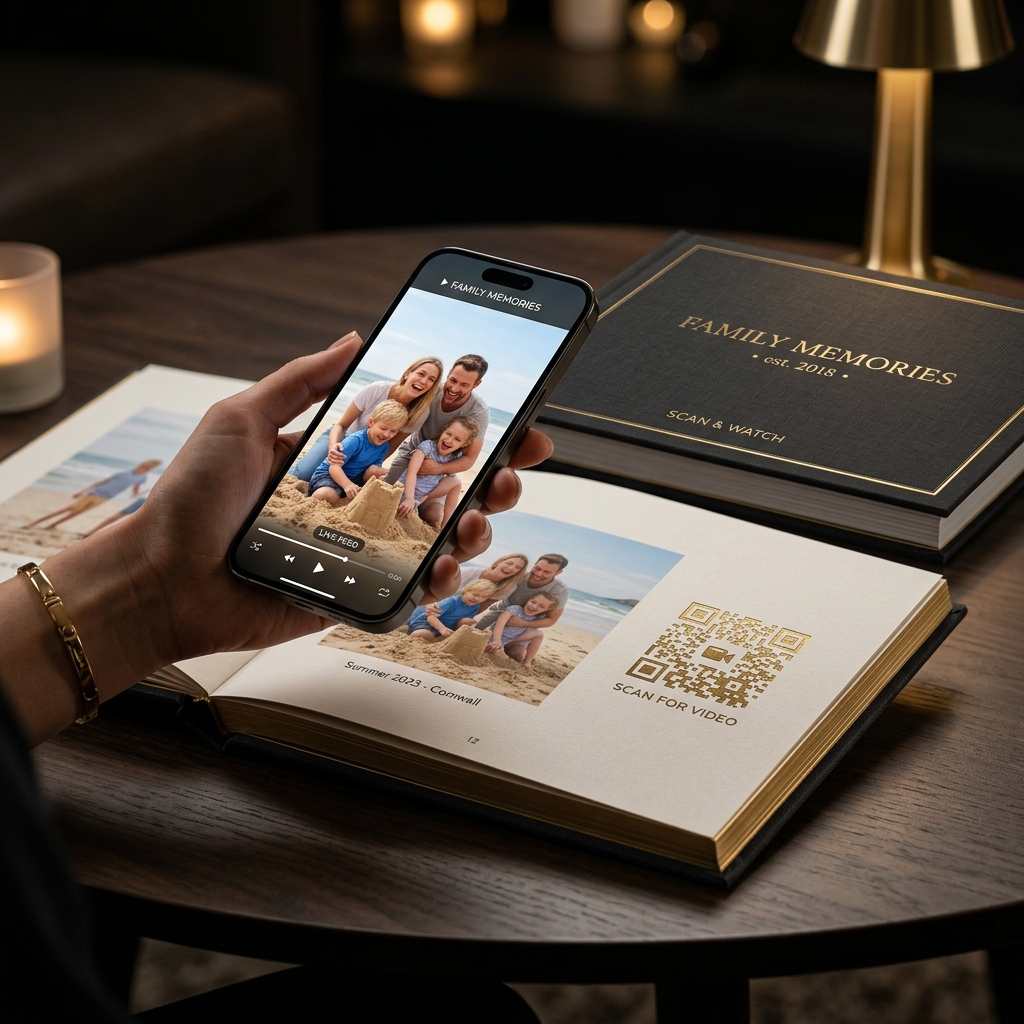
Where to Print Video QR Codes
Expand your studio product offerings with interactive physical print touchpoints.
Luxury Wedding Albums
Add clean vector QR badges beside signature photo spreads to trigger highlight reels directly in the mobile browser.
Wedding Thank-You Cards
Send guests personalized thank-you cards featuring a QR link to relive the reception dance and ceremony highlights.
Framed Canvas & Acrylic Prints
Turn physical wall art into living memories that family members can scan and replay anytime with their phone camera.
Save the Date & Invitations
Create anticipation by embedding couple video invites into physical printed wedding invitation cards.
How Video QR Codes Work in 4 Clear Steps
From video clip upload to physical print delivery.
Upload Video Clip
Upload your edited highlight reel or candid ceremony clip to your Smorio studio dashboard.
Generate Custom QR Badge
Get a high-resolution QR code configured with your client project settings.
Insert into Print Layout
Place the QR code on your album page, card, or photo print before printing.
Scan and Enjoy Memory
Scan with any standard phone camera to open and play the video instantly.
Explore More Studio Solutions
Discover other ways Smorio helps wedding photographers deliver interactive print experiences.
QR Wedding Album
Turn traditional photo books into living scannable albums.
Photo Comes Alive
Watch wedding prints play video highlights on mobile.
Photographer Software
Studio tools to manage folders, uploads, and QR exports.
India Studio Solutions
Tailored for Indian wedding albums with transparent INR pricing.
Frequently Asked Questions
Everything you need to know about integrating video QR codes into wedding photography.
How do video QR codes work on wedding photo prints and albums?
A video QR code connects a physical wedding photograph to a high-definition video memory hosted securely on the Smorio cloud. When scanned with any smartphone camera, the browser immediately streams the video memory without requiring an app installation.
Can video QR codes be printed on thank-you cards, invitations, and canvas?
Yes. Video QR badges can be added to printed wedding albums, parent thank-you cards, framed canvas wall prints, acrylic photo blocks, wedding invitations, and keepsake memory boxes.
What video file formats and resolutions are supported?
Smorio supports MP4 and MOV video uploads up to 4K resolution. The platform automatically transcodes and optimizes videos for high-speed, buffer-free playback on mobile networks across India.
Can a photographer change the video linked to a QR code after printing?
Yes. Because Smorio generates smart dynamic QR codes, photographers can swap, update, or edit the linked video in their studio dashboard at any time without reprinting the physical QR code.
How long do QR video memories remain active and accessible?
Videos stay active according to your plan: monthly studio plans keep all memories live during active subscriptions (plus grace periods), while Event Tokens include 1 full year of guaranteed hosting per wedding event.
What does the video QR service cost for wedding photographers?
Smorio includes a 10-day free trial. Studio plans start at ₹349 per month for Starter, ₹499 per event for Event Tokens, and ₹1,499 per month for Ultimate Pro with manual Razorpay renewals and zero auto-debit.
Start Printing Video QR Memories Today
Join professional photography studios delivering high-margin living photo albums.